
Choosing the right WhatsApp bulk message sender software in 2026 means choosing between two very different categories: official tools built on Meta’s WhatsApp Business API, and unofficial senders that automate the regular WhatsApp app. Only one of those categories is safe for a business number you depend on. This guide compares 11 WhatsApp bulk message sender software options for 2026 – what each one does well, who it’s built for, and how pricing actually works – starting with the distinction that matters most before you compare a single feature.
What is the best WhatsApp bulk message sender software in 2026? The best WhatsApp bulk message sender software in 2026 is an official Meta-authorized platform (a WhatsApp Business Solution Provider) rather than an unofficial automation tool, because only official senders use approved message templates and opted-in contact lists — the combination that keeps a business number from being banned. Among official providers, Happilee, Wati, AiSensy, and Interakt are widely used options, each suited to a different business size and use case, compared in detail below.
Official vs. unofficial WhatsApp bulk senders – the decision that matters most
Short answer up top: Official WhatsApp bulk message sender software connects through Meta’s WhatsApp Business API and uses approved templates sent to opted-in contacts, which is low-risk. Unofficial senders automate the consumer WhatsApp app itself, which violates WhatsApp’s Terms of Service and carries a real risk of the number being banned.
Before comparing features, it’s worth being direct about this, because it’s the single factor that determines whether your number survives using the tool at all:
- Official API senders (Happilee, Wati, AiSensy, Interakt, Gallabox, and the others below) are Meta-authorized. Messages go through WhatsApp’s Cloud API, templates are pre-approved, and recipients have opted in. This is the only path Meta actively supports for business messaging at scale.
- Unofficial senders – typically desktop software that automates WhatsApp Web or a phone’s WhatsApp app to blast messages – are not Meta-authorized, don’t use approved templates, and are explicitly against WhatsApp’s Terms of Service. Vendors of these tools often include a disclaimer that they aren’t responsible if your number gets blocked, which is itself a signal worth paying attention to.
If a tool you’re evaluating doesn’t mention Meta Business API access, Meta Tech Partner or Business Solution Provider status, or template approval anywhere on its page, that’s the question to ask before anything else.
What to look for in WhatsApp bulk message sender software
- Official Meta API access – confirm Business Solution Provider or Meta Tech Partner status before anything else.
- Template approval workflow – how easily can you get marketing and utility templates approved, and how long does it realistically take?
- Contact segmentation – can you target broadcasts by tag, purchase history, or custom fields, or is it one flat list?
- Delivery and read analytics – can you see delivery rate, read rate, and failed sends per campaign?
- Rate limits and scaling – what’s the daily sending limit, and how does it grow as your number builds a quality rating with Meta?
- Team inbox and reply handling – bulk sending generates replies; can more than one person manage them?
- Pricing transparency – is the platform fee separate from Meta’s own per-message fee, or bundled in a way that’s hard to audit?
11 best WhatsApp bulk message sender software tools in 2026
| # | Tool | Best for | Official API |
|---|---|---|---|
| 1 | Happilee | Indian businesses wanting bulk messaging + team inbox + CRM/e-commerce integrations in one platform | Yes – Meta Tech Partner |
| 2 | Wati | Teams already running large-scale broadcast campaigns with extensive integrations | Yes – Meta Premier Partner |
| 3 | AiSensy | E-commerce brands running scheduled promotional broadcasts | Yes |
| 4 | Interakt | WhatsApp commerce and catalog-led selling | Yes |
| 5 | Gallabox | Multi-agent teams needing shared inbox + workflow automation | Yes |
| 6 | SleekFlow | Businesses messaging across WhatsApp, Instagram, and other channels in one inbox | Yes |
| 7 | Zoko | Shopify stores running WhatsApp as a sales channel | Yes |
| 8 | Gupshup | Enterprises needing high-volume messaging infrastructure | Yes |
| 9 | Twilio | Developers building fully custom WhatsApp integrations via API | Yes |
| 10 | 360dialog | Businesses that want a pure BSP and plan to build their own frontend | Yes |
| 11 | Trengo | Support-led teams unifying WhatsApp with email and chat | Yes |
1. Happilee – best overall for Indian businesses
Happilee is a WhatsApp Business API provider and Meta Tech Partner built for businesses that need bulk messaging alongside a shared team inbox, no-code chatbot automation, and native CRM/e-commerce integrations — rather than a broadcast tool alone. See Happilee’s WhatsApp marketing software for the full feature set, or the step-by-step guide to sending bulk WhatsApp messages officially for how template-approved broadcasting actually works.
Best for: Indian businesses that want bulk messaging, team inbox, and CRM/e-commerce integrations in one platform instead of stitching tools together.
Key features:
- Template-approved broadcast campaigns
- Shared team inbox with assignment rules
- No-code chatbot builder
- Native + Zapier CRM/e-commerce integrations
- India-based onboarding and support
2. Wati
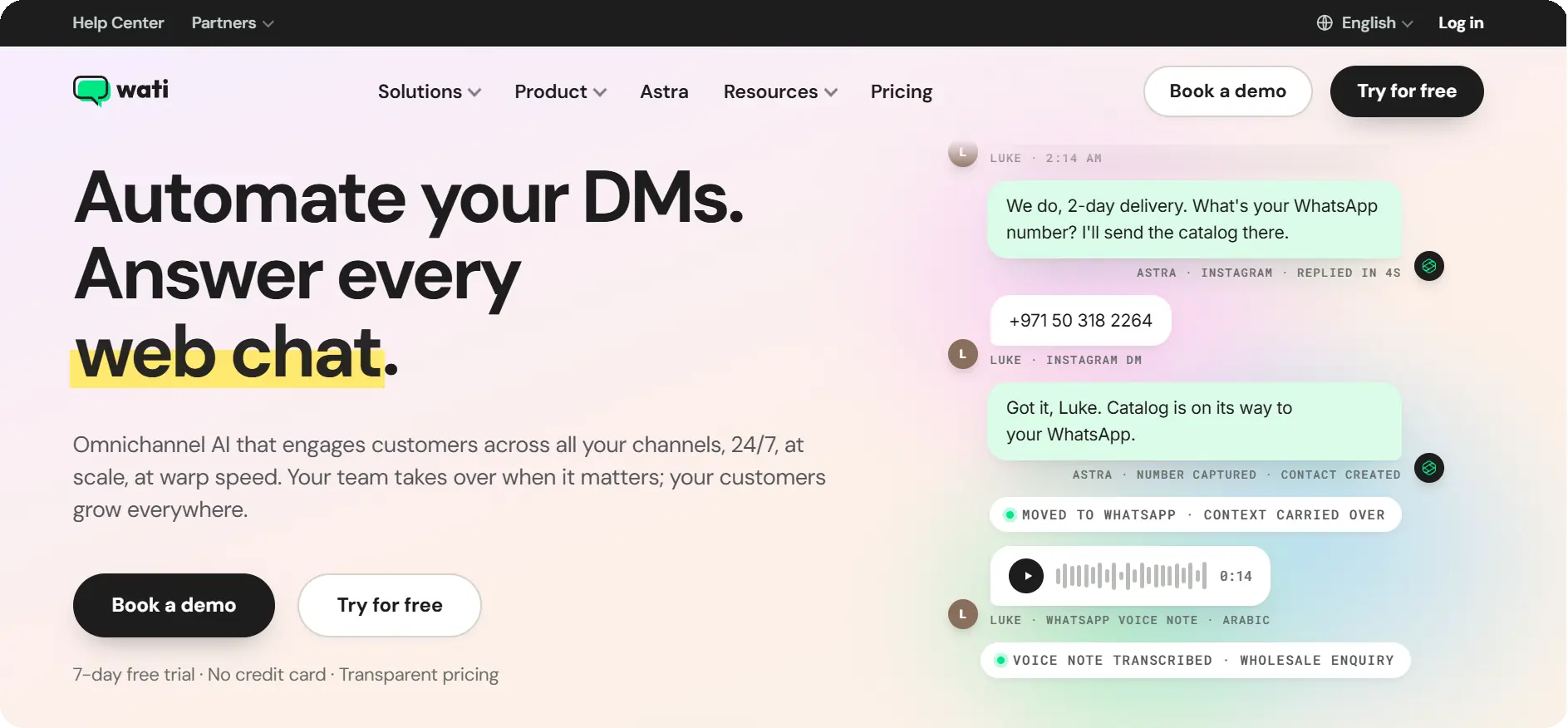
A Meta Premier Partner with a large existing customer base and a broad integration library, well suited to teams already running broadcast campaigns at scale and wanting deep connections to existing marketing stacks.
Best for: Established teams running large-scale broadcast campaigns who want an extensive third-party integration library.
Key features:
- Broadcast and drip campaigns
- Shared team inbox
- Large integration marketplace
- AI-assisted campaign tools
- Multi-agent roles.
3. AiSensy
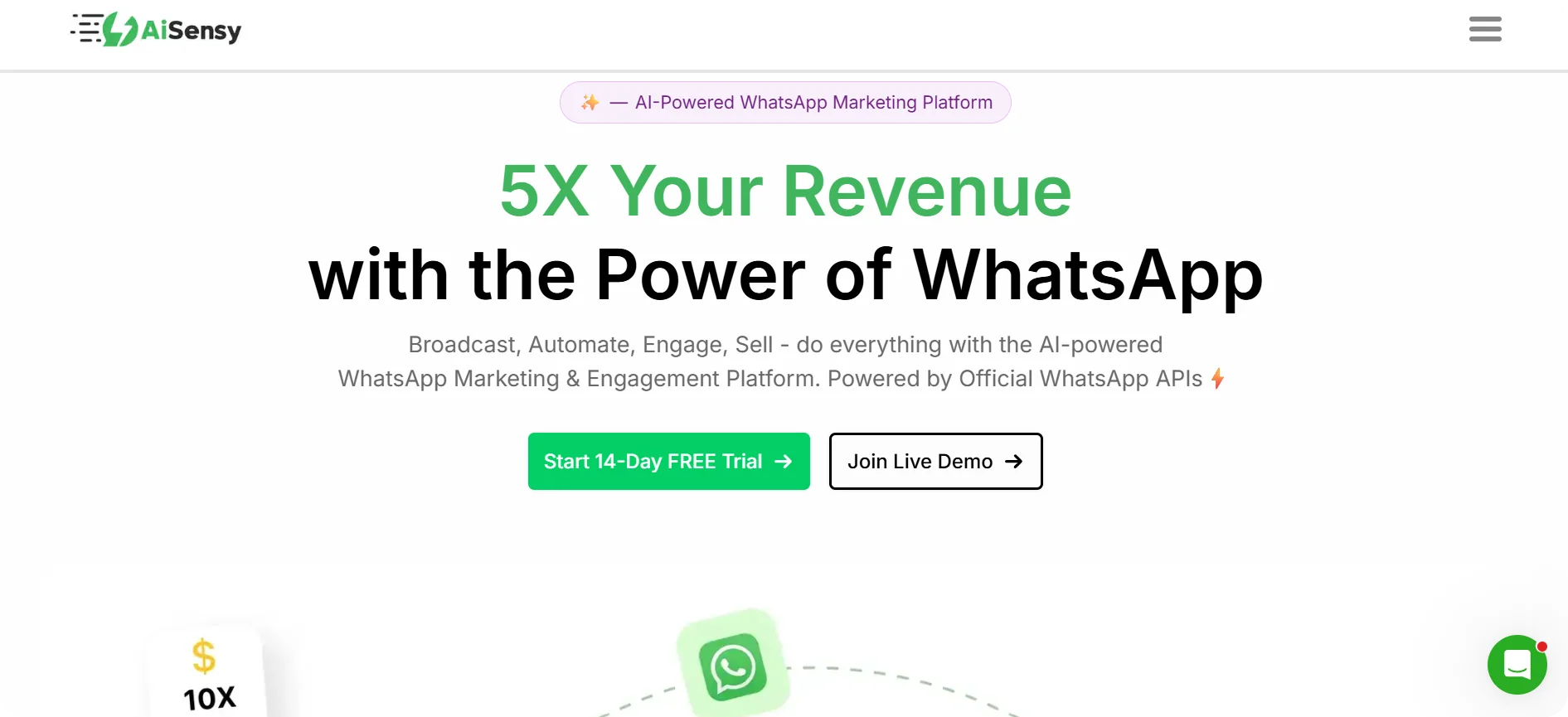
Focused on scheduled broadcast campaigns for e-commerce and D2C brands, with campaign scheduling built around promotional calendars.
Best for: E-commerce and D2C brands running scheduled promotional broadcasts around sales and launches.
Key features:
- Broadcast scheduling (weeks in advance)
- Campaign analytics
- E-commerce platform integrations
- Template library for promotional messaging
4. Interakt

Built around WhatsApp commerce – product catalogs, cart recovery, and order updates sent as part of the same platform that handles bulk campaigns.
Best for: Catalog-led sellers who want bulk messaging tied directly to product listings and order flow.
Key features:
- WhatsApp product catalog
- Abandoned cart recovery messaging
- Order and shipping update automation
- Bulk broadcast campaigns.
5. Gallabox
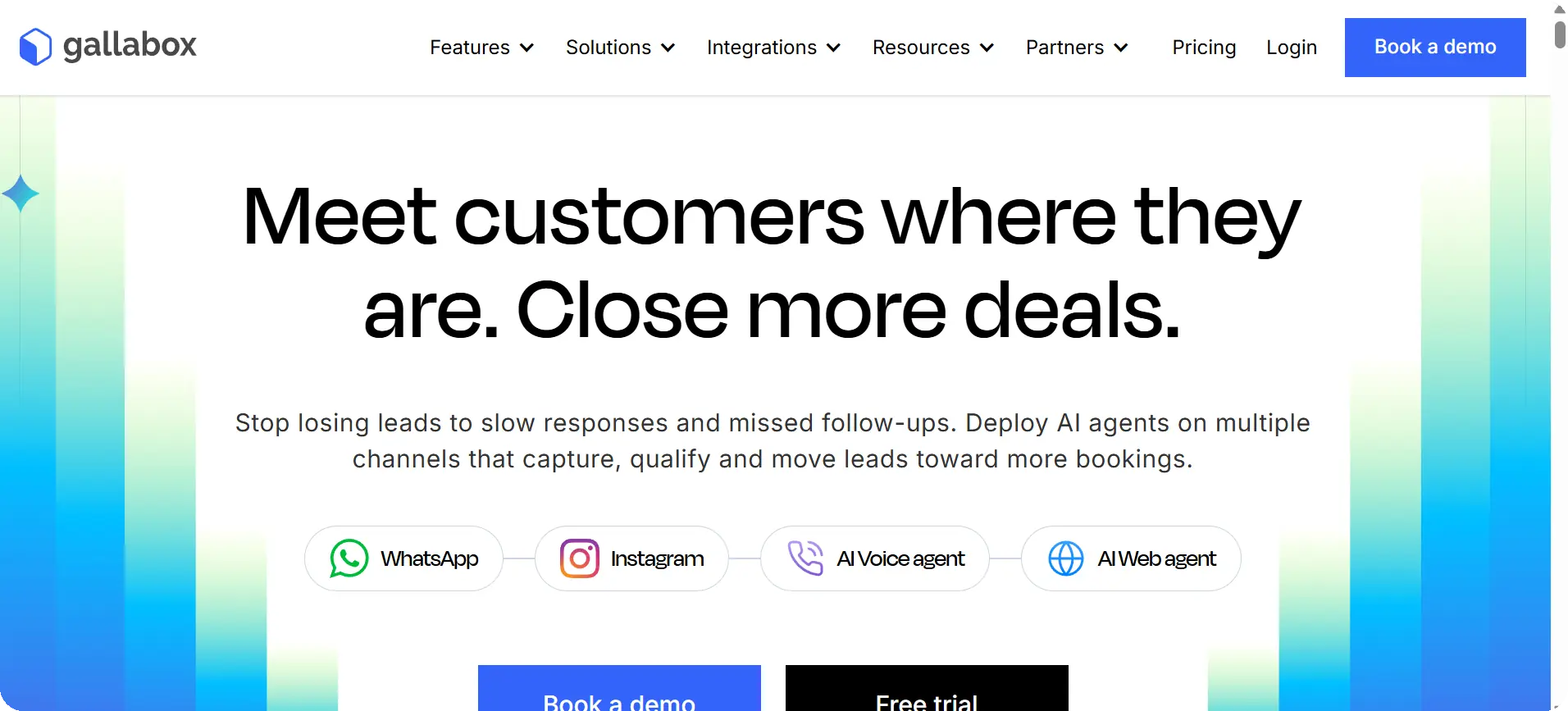
Centers on a shared team inbox with workflow automation layered on top, useful for teams where bulk sending and multi-agent reply handling need to work together.
Best for: Multi-agent support or sales teams that need bulk sending and inbox workflow automation to work together, not separately.
Key features:
- Shared team inbox
- Workflow/automation builder
- Broadcast messaging
- Agent assignment and tagging
6. SleekFlow
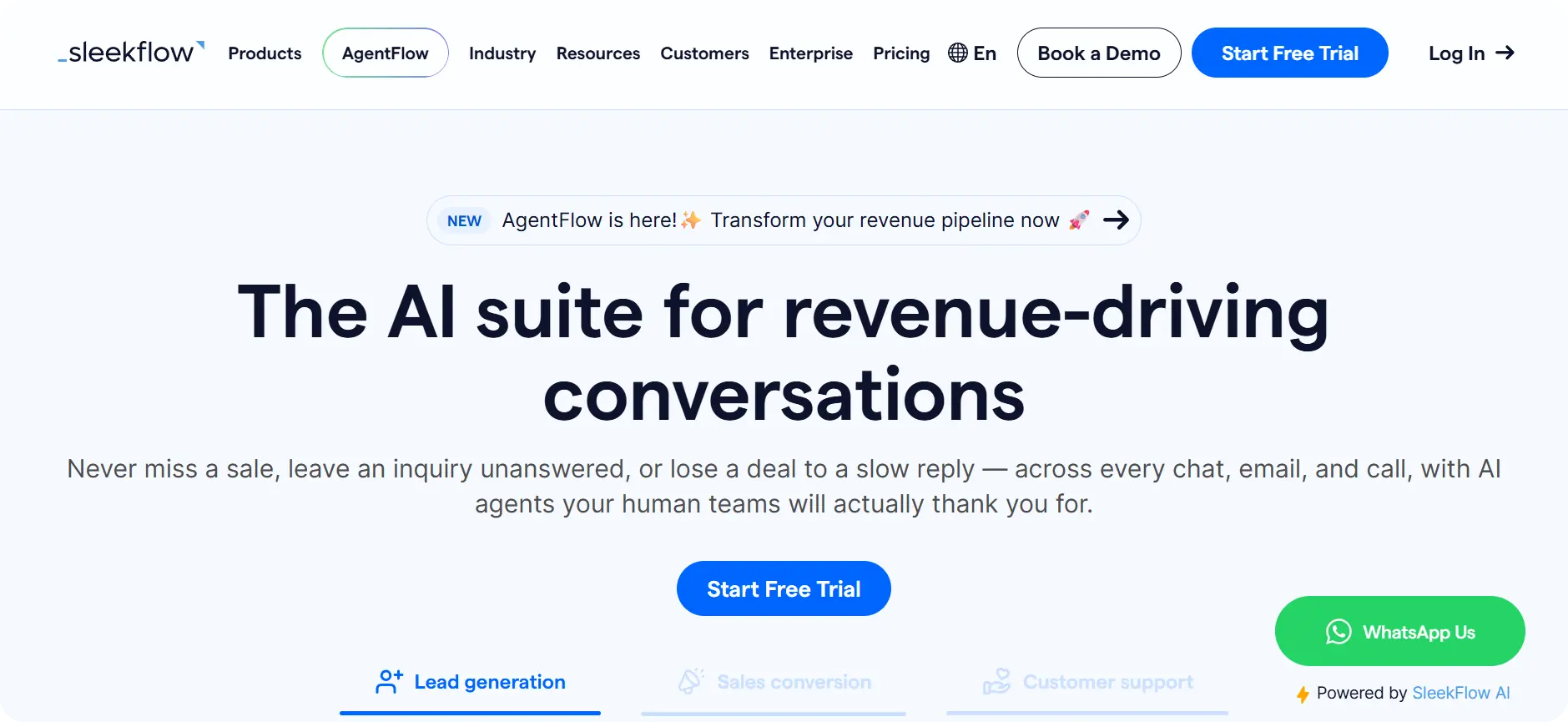
An omnichannel platform that treats WhatsApp as one channel among several (Instagram, live chat, etc.), useful if bulk messaging needs to sit inside a broader conversational commerce setup.
Best for: Businesses messaging customers across WhatsApp, Instagram, and other channels who want bulk sending inside one omnichannel inbox.
Key features:
- Omnichannel inbox (WhatsApp, Instagram, live chat)
- Broadcast campaigns
- Commerce integrations
- Automation workflows
7. Zoko
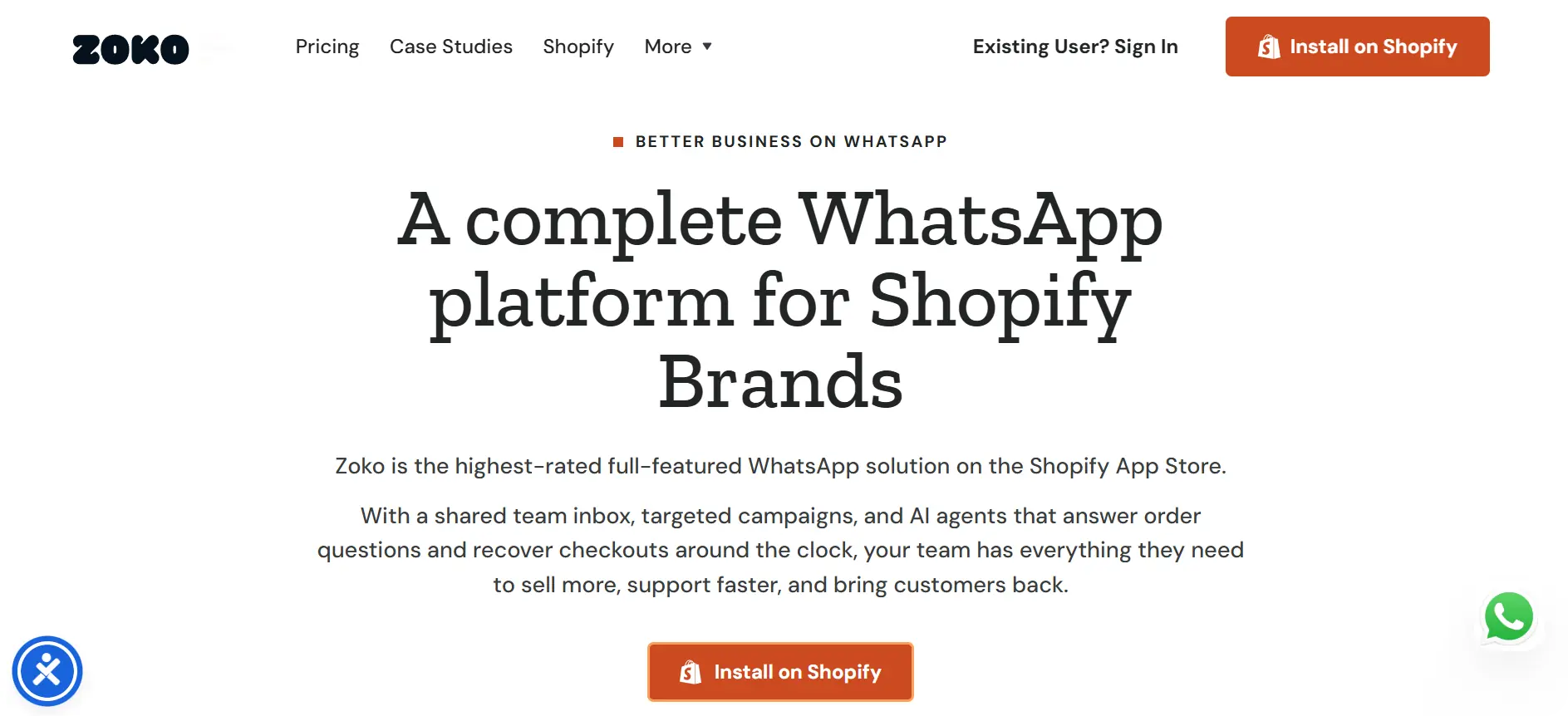
Built specifically around Shopify integration, aimed at stores that want WhatsApp broadcasts and order messaging tied directly to their store data.
Best for: Shopify stores that want WhatsApp broadcasts and order messaging driven directly by store data.
Key features:
Native Shopify integration · Broadcast campaigns · Abandoned cart and order-update flows · Product catalog sharing in chat.
8. Gupshup
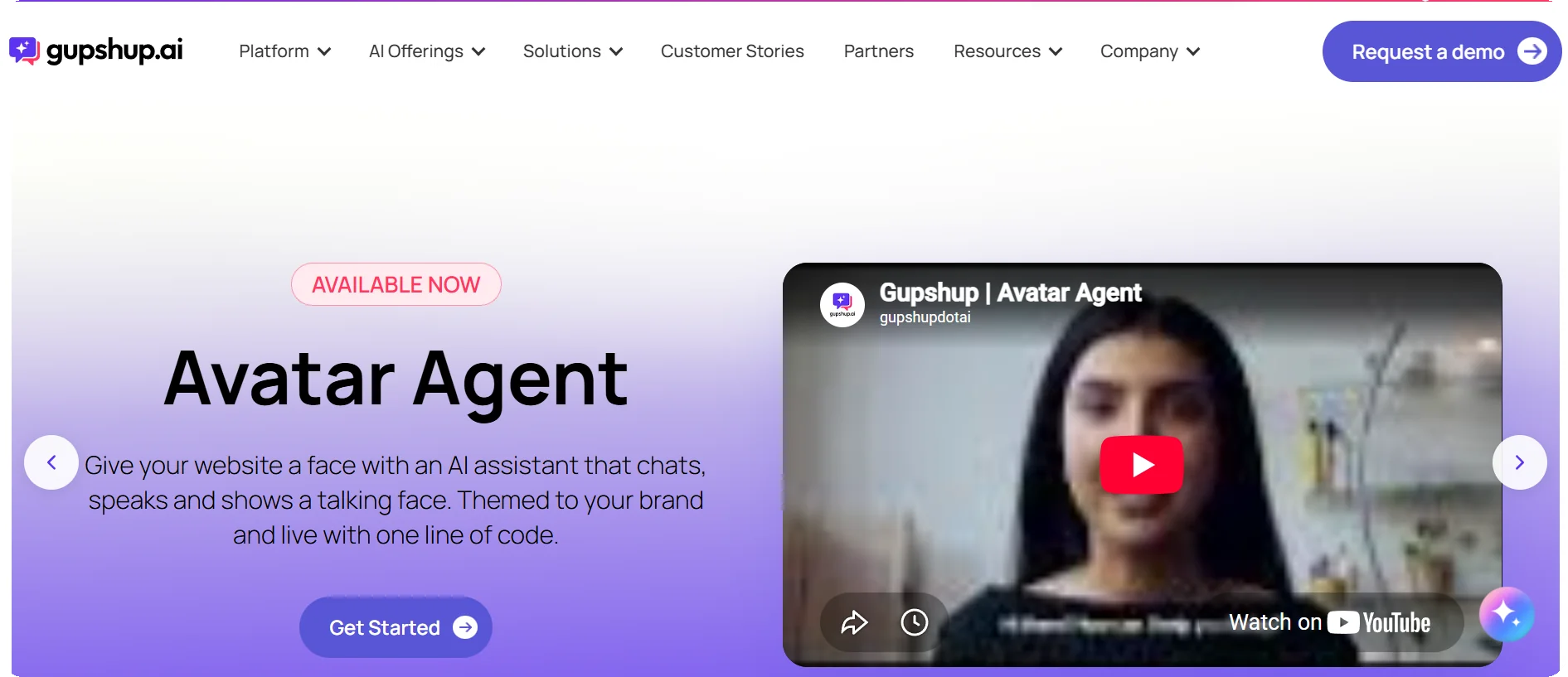
A messaging infrastructure provider used by larger enterprises that need high-volume sending and are comfortable with a more technical, infrastructure-first setup.
Best for: Larger enterprises needing high-volume sending infrastructure and comfortable with a more technical setup.
Key features:
- High-throughput messaging infrastructure
- Multi-channel support (WhatsApp, SMS, RCS)
- Bot-building tools
- Enterprise-grade APIs.
9. Twilio
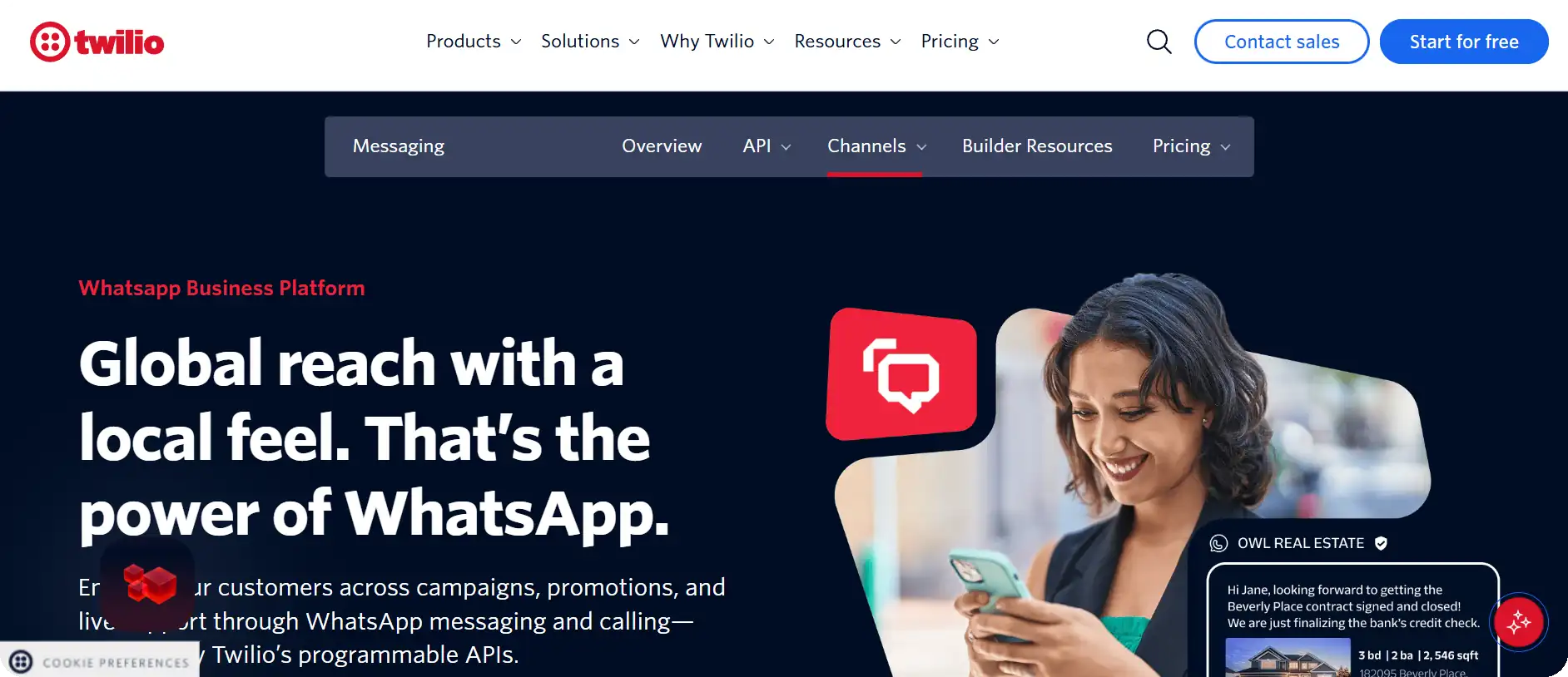
A developer-first communications API. Twilio doesn’t provide a bulk-sending interface out of the box — teams build their own on top of its WhatsApp API, which suits engineering teams wanting full control.
Best for: Engineering teams that want to build a fully custom bulk-messaging interface rather than use a pre-built one.
Key features:
- WhatsApp Business API access
- Programmable messaging APIs and webhooks
- Global carrier infrastructure
- Extensive developer documentation.
10. 360dialog
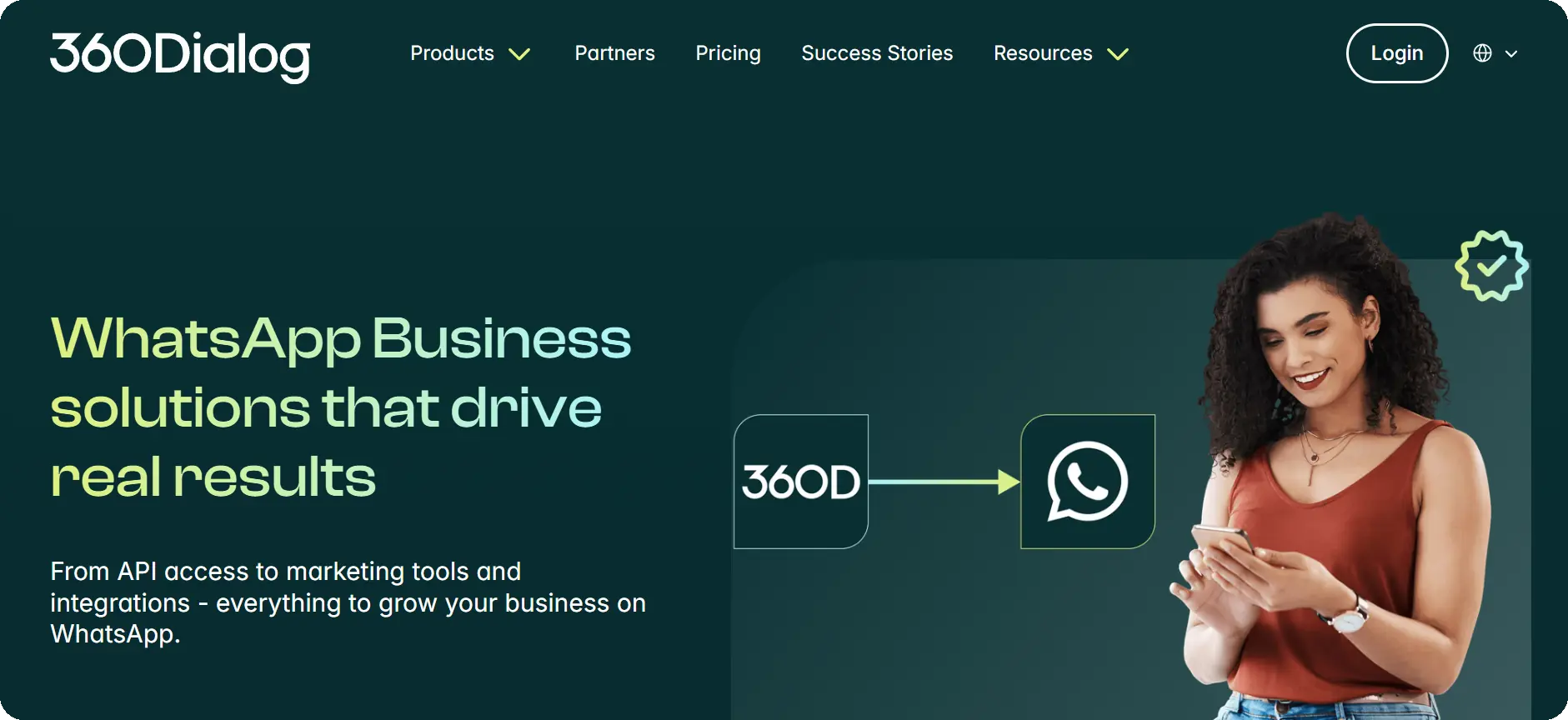
A pure Business Solution Provider: API access without a built-in frontend, for businesses that already have (or want to build) their own messaging interface.
Best for: Businesses that already have (or plan to build) their own messaging frontend and just need direct, unbundled API access.
Key features:
- Direct Meta Cloud API access
- No bundled frontend (bring-your-own-interface)
- Flat licensing per number
- Developer-friendly setup
11. Trengo
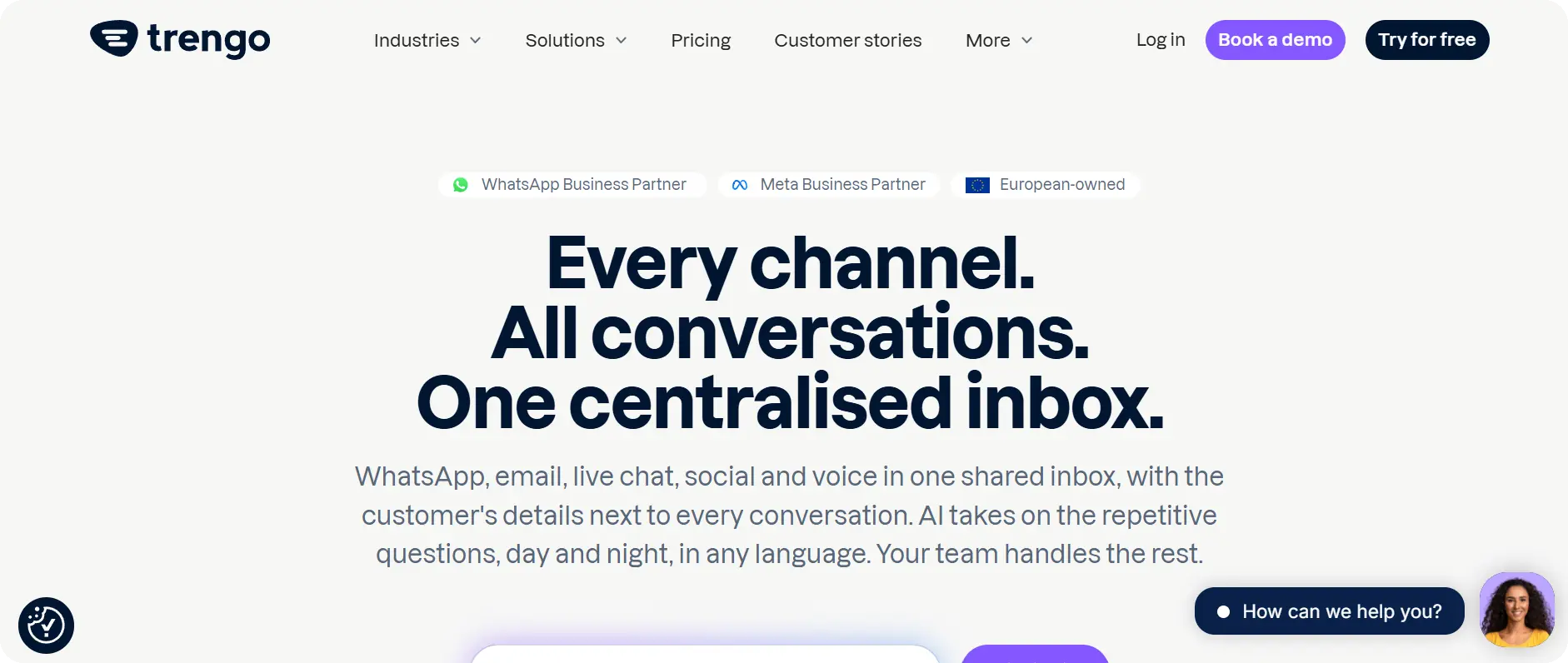
An omnichannel helpdesk-style platform that folds WhatsApp bulk messaging in alongside email and live chat, aimed at support-led teams.
Best for: Support-led teams that want WhatsApp bulk messaging unified with email and live chat in one helpdesk.
Key features:
- Unified inbox (WhatsApp, email, live chat)
- Broadcast messaging
- Automation rules and ticketing-style workflows
- Team collaboration tools
How WhatsApp bulk message sender software pricing actually works in 2026
Short answer up top: Pricing has two separate parts – a platform fee paid to the software provider, and Meta’s own per-message fee, which is the same regardless of which provider you use.
- Platform fee – what you pay the software company (Happilee, Wati, AiSensy, etc.) for the inbox, automation, and sending interface. See Happilee’s WhatsApp API pricing plans for current tiers.
- Meta’s messaging fee – charged per conversation or per message depending on category (Marketing, Utility, Authentication, Service), set by Meta and identical across every provider. Some platforms pass this through directly; others add a markup, so it’s worth asking directly rather than assuming the platform fee is the whole cost.
- What to watch for in 2026: Meta shifted more message categories toward per-message billing in 2025. Confirm with any provider you’re evaluating which categories are billed per-conversation versus per-message under the current model, since this materially changes cost at scale.
Security and compliance checklist before you send your first broadcast
- Confirm the provider is a Meta Tech Partner or Business Solution Provider – not a workaround tool.
- Only message contacts who’ve opted in; Meta’s policies (and most countries’ data protection laws) require this regardless of which software you use.
- Get your message templates pre-approved rather than sending free-form bulk text, which is what unofficial tools typically do and why they get flagged.
- Start under Meta’s initial daily sending tier and let your number’s quality rating scale it up — don’t try to force high volume on day one.
- Keep an unsubscribe/opt-out path in every broadcast template.
FAQ – WhatsApp bulk message sender software
What is WhatsApp bulk message sender software?
WhatsApp bulk message sender software is a platform that lets a business send WhatsApp messages to many contacts at once through WhatsApp’s official Business API, using pre-approved templates sent to opted-in recipients.
Is WhatsApp bulk message sender software legal?
Official, API-based bulk senders are legal and within WhatsApp’s Terms of Service, provided recipients have opted in and templates are approved. Unofficial tools that automate the consumer WhatsApp app are not compliant with WhatsApp’s Terms of Service.
Will my WhatsApp number get banned for sending bulk messages?
Using an official API provider with opted-in contacts and approved templates carries low risk. Using an unofficial automation tool carries a real risk of the number being banned, since it violates WhatsApp’s Terms of Service directly.
How many WhatsApp messages can I send per day in 2026?
Meta sets an initial daily limit per business number (historically starting around 250 unique recipients in 24 hours) that scales up automatically as your number maintains a good quality rating. Exact current tiers should be confirmed with your provider, since Meta updates these periodically.
What’s the difference between Happilee and the other tools on this list?
Happilee combines bulk messaging with a shared team inbox, no-code chatbot automation, and native CRM/e-commerce integrations in one platform, rather than bulk sending alone – see Happilee’s WhatsApp marketing software for the full breakdown.
Can I try WhatsApp bulk message sender software for free?
Most official providers, including Happilee, offer a free trial. Confirm whether the trial includes real Meta API sending or a sandbox/demo mode only, since the two behave differently.
How much does WhatsApp bulk message sender software cost?
Cost has two parts: the platform’s own fee, and Meta’s per-message fee, which is the same across every official provider. See Happilee’s pricing plans for a current breakdown.
Do I need a developer to send bulk WhatsApp messages?
No, for most official platforms including Happilee – bulk sending, templates, and scheduling are built into a no-code interface. Developer access (via API/webhook) is typically available separately for custom integrations.
Start sending WhatsApp bulk messages the official way
Compare Happilee’s bulk messaging plans, or read the full guide to sending bulk WhatsApp messages officially before you send your first campaign.